CURATED FOR LIVE PRODUCTION CANADA / STUDIO / BROADCAST / 4K WORKFLOWS
ON AIR / VISUAL SYSTEMS
FRAME RATE · TIMECODE · EXPOSURE · SIGNAL

PROFESSIONAL CAMERA SYSTEMS / CANADA

DIRECT
THE FRAME.

From a two-person video podcast to a multi-camera live broadcast, choose equipment around the shot, the connection and the control room.

REC ●   SIGNAL ATELIER / 001 SCROLL TO EXPLORE ↓
04 Camera systems
4K / 6K Sensor and capture options
SDI / IP Production workflows
CA North York, Ontario

01 / BUILT AROUND THE OUTPUT

The image is only the first decision.

In a studio, a camera is never isolated. It talks to a switcher, follows a lens, feeds a monitor, accepts control signals and must remain predictable when the tally turns red.

Signal Atelier puts these connections at the centre of the selection process. Compare compact remote heads, traditional studio camera bodies, full broadcast systems and PTZ operation before planning your next production.

12G-SDI High-bandwidth wired camera feeds
MFT / B4 Distinct lens ecosystems
PTZ Remote framing and operation
Live control Switcher and tally workflows
Explore the signal path ↗
01:00
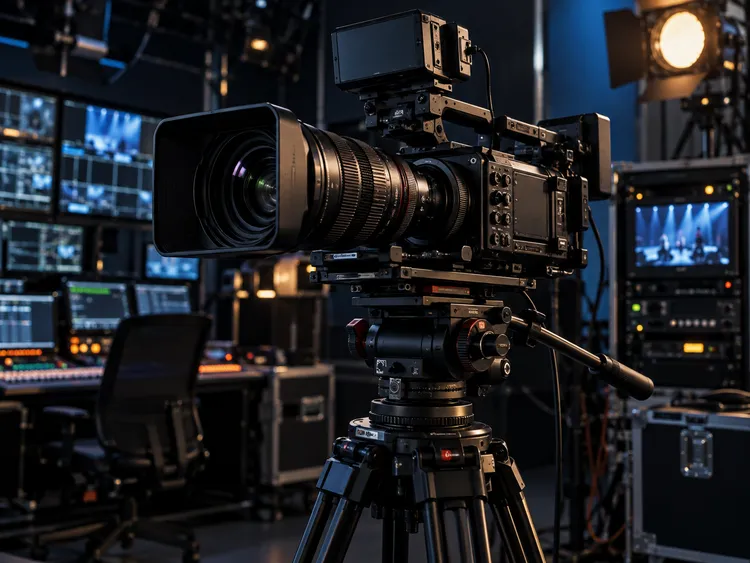
Professional studio camera mounted on a production tripod, framed inside a dark video control room

02 / ONE STORY, MANY ANGLES

Every camera has a position in the production.

Think in terms of the blocking diagram: master angle, controlled close-up, fixed detail and moving presenter. A stable visual language starts with the arrangement of the cameras.

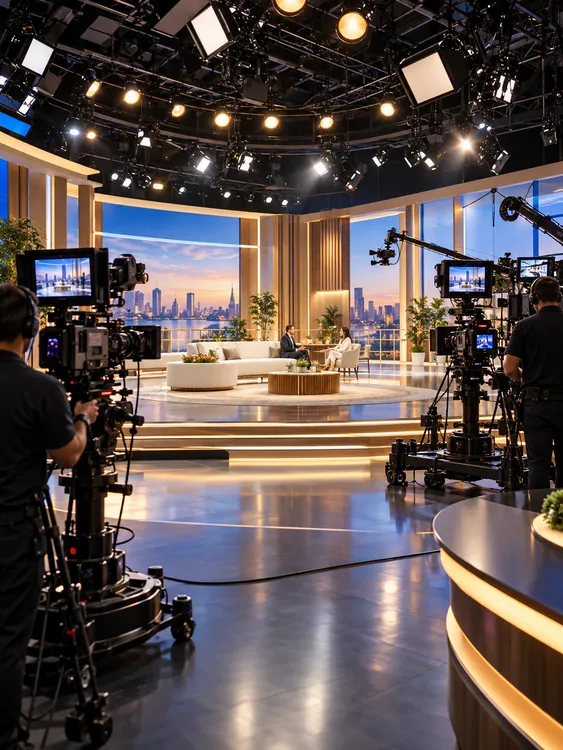
Wide television studio set with multiple cameras pointed toward presenters
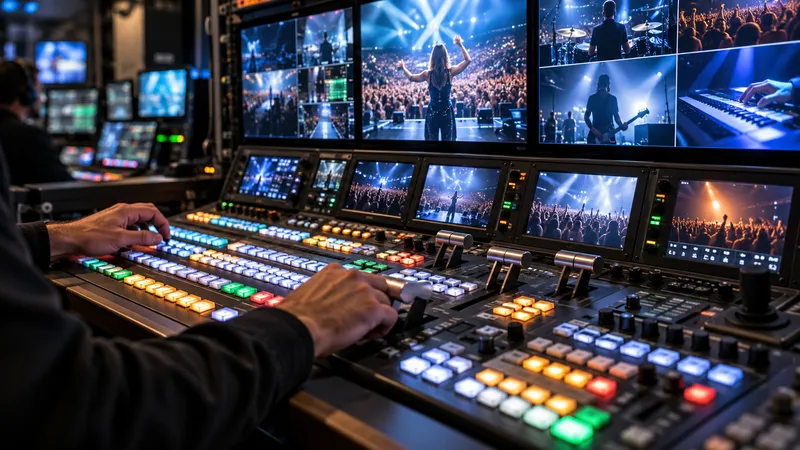
Broadcast control desk with switcher buttons and multiview video monitors
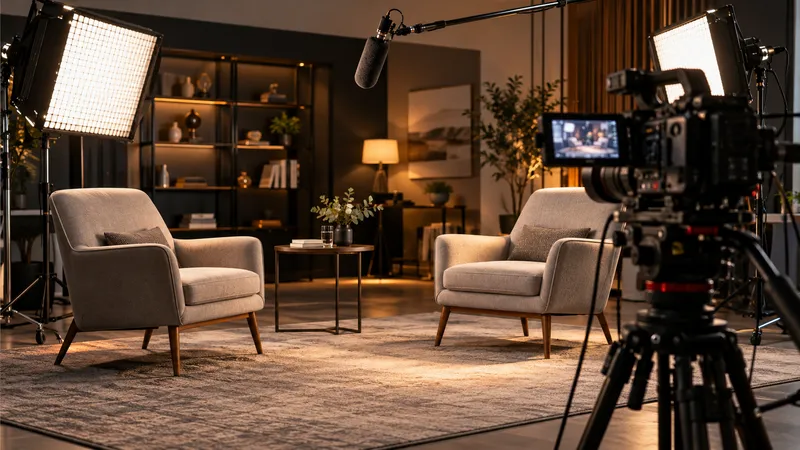
Professional video interview set with cinema lighting, camera and microphone

Camera one sets the geography.

The primary shot establishes the room. A full-size studio or broadcast camera gives the operator predictable framing and a production-friendly monitoring environment.

Camera two carries the detail.

A compact SDI camera or remotely controlled PTZ unit can preserve a second angle without bringing another operator into the scene. The right choice depends on movement, framing and cabling.

03 / THE CAMERA SELECTION

Four routes to a clean program feed.

Full camera catalogue ↗
PRIMARY / 01

Studio Camera
4K Pro G2

Large-screen studio monitoring, 12G-SDI and 10G Ethernet routing for productions built around a switcher.
View camera ↗
REMOTE / 02

Micro Studio
Camera 4K G2

Compact 4K camera positioning with MFT lenses and SDI/HDMI feeds.

View camera ↗
PTZ / 03

Canon
CR-N300

20× integrated zoom, remote operation and IP-capable workflows.

View camera ↗
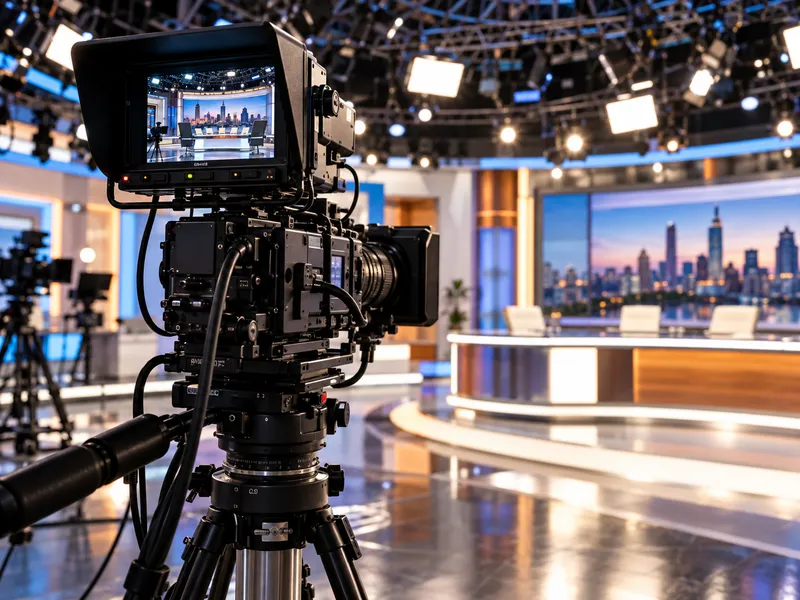
Television broadcast studio with professional camera viewfinder and tripod

04 / BROADCAST GRADE

When the operator moves, the image stays deliberate.

A broadcast body is shaped by the job: balanced handling, dedicated controls, fast lens response and connection to the larger production system.

The Blackmagic URSA Broadcast G2 brings a 6K sensor and B4 mount to workflows that need a professional camera position, while dedicated studio heads are designed for controlled fixed-rig operation. Select by production requirements rather than a headline resolution alone.

6K SENSOR B4 MOUNT LIVE PRODUCTION
Examine the broadcast system →

05 / YOUR SIGNAL, YOUR METHOD

The studio is a system, not a shopping list.

Build the chain one stage at a time. Frame the shot, transport the image, cut the program and deliver it to viewers.

01

Capture the scene

Match sensor, lens mount, physical placement and required operating resolution to your production environment.

02

Route the feed

Choose the appropriate SDI, HDMI or IP transport and establish where camera control and return monitoring belong.

03

Deliver the program

Coordinate switching, audio, recording and streaming destinations before the first live cue.

06 / THE SET IS YOUR CANVAS

Every angle deserves a purpose.

For a single-camera interview or an expanding multi-camera workflow, equipment selection begins with how the finished program should feel. Start with the application, then choose the camera that can deliver it.

Explore applications ↗
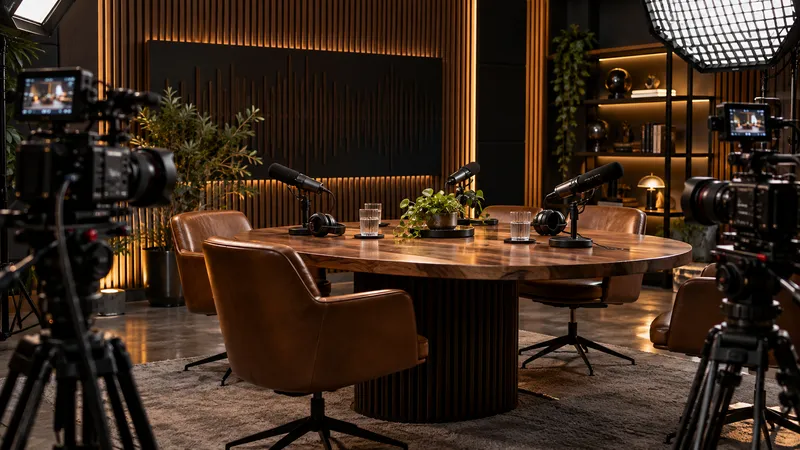
A premium video podcast production set with professional cameras and acoustic panels

PRODUCTION DESK / DIRECT ENQUIRY

Tell us what your cameras need to deliver.

Planning a studio, podcast room or live production? Describe your existing equipment, preferred camera positions and output format. You can ask a technical question without placing anything in the equipment bag.

01 / CAMERA SYSTEM

Share the model you are considering, the number of positions and whether control will be local or remote.

02 / SIGNAL PATH

Include your switcher, cabling standard, required resolution and the destination for your live feed.

03 / NEXT STEP

Review the prepared request and send it to our business email from the next page. A quotation is provided separately.

EQUIPMENT & PROJECT QUESTIONS

Request a production consultation

Your request can be reviewed on the next page and must then be sent using the email action. No payment is taken here.

From camera body to complete signal path.

Compare four professional models, then prepare a request for a written configuration and final quotation.

Prepare an equipment request →